


Color Identification
3.8165.00 Reviews
App Specs
- Version
- 48.1.3
- Updated On
- License
- Free
- Downloads
- 1,000,000+
- Developer
- Galaxy studio apps
- Categories
- Photography
- Platform
- Android
Screenshots
 Analysis by AppCompare
Ever found yourself staring at a color and wondering what exactly it is? Maybe you're redecorating, or perhaps you're just curious about the world around you. Well, that's where the Color Identification app steps in, ready to play the role of your digital color guru. I recently took this app for a spin and here's what I uncovered.
Getting to Know Your Colors
The first thing that strikes you about the Color Identification app is its simplicity. You open it up, and bam, you're greeted by a user-friendly interface that doesn't mess around. It's like meeting someone who gets right to the point without any unnecessary small talk.
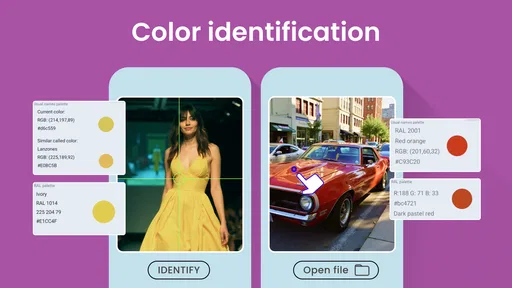
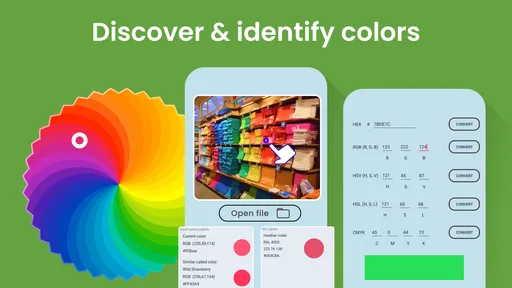
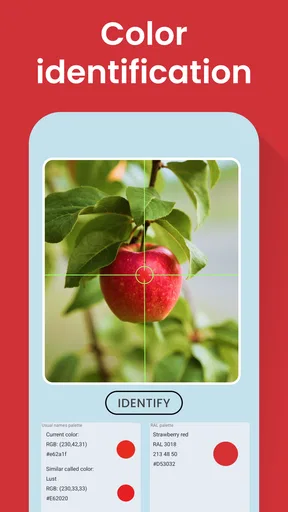
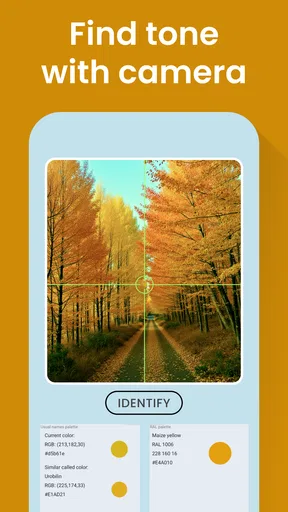
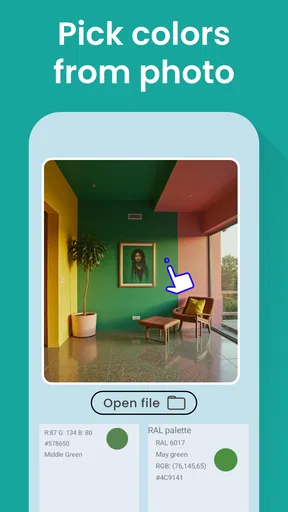
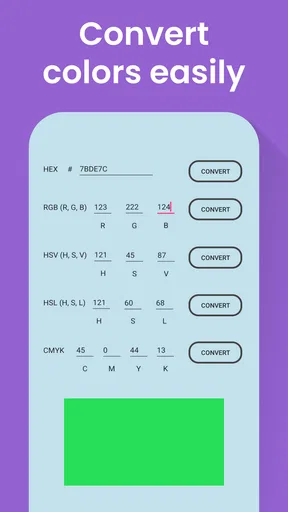
Using your device's camera, the app allows you to point and shoot at any color you encounter. From there, it analyzes the hue and provides you with a detailed breakdown. This includes the RGB, HEX, and CMYK values, which is pretty handy if you’re into graphic design or just want to flex your color knowledge.
Features That Stand Out
One of the coolest features has to be the ability to save colors for future reference. You can create a palette of your favorite shades, which is awesome if you're planning a renovation or just enjoy collecting colors like some people collect stamps.
Additionally, the app offers a color-blind mode, which is a thoughtful touch. It ensures accessibility for everyone, allowing users to name colors and match them effectively, regardless of visual limitations.
Another feature worth mentioning is the app's ability to suggest color combinations. It’s like having a little designer in your pocket, ready to offer advice on what colors work well together. Perfect for those of us who might be a bit... creatively challenged.
A Few Quirks
While the app is mostly a joy to use, there are a few quirks. Occasionally, the color detection can be a bit off, especially in low-light settings. It reminded me of trying to pick the right shade of paint under fluorescent lighting—frustrating, but not a deal-breaker.
Worth Reading Before You Choose

Flipboard Shows What News Apps Must Do Beyond the Feed

Switching to Android Auto Means Rethinking Your Driving Routine

Google Calendar Makes a Crowded Week Easier to Manage

Ludo King Makes the Most of the Minutes Between Plans

Baby Panda World Brings Quick Play to Modern Phones, but Its Game Library Feels Busy

ESPN’s Live Game View Makes Following Close Games Easier
Also, while the app covers a comprehensive range of colors, it sometimes struggles with subtle variations. You know, those colors that seem to exist in a liminal space between "is it blue or green?" But hey, nothing’s perfect, right?
Why You Should Give It a Try
If you're someone who loves colors or works with them professionally, this app is a no-brainer. It's straightforward, effective, and most importantly, fun to use. Whether you're identifying colors for a project or just indulging a curiosity, the Color Identification app is a handy tool to have at your fingertips.
In conclusion, this app is like having a trusty Swiss Army knife for colors. It’s not just about naming them; it’s about understanding and using them in a way that makes your projects pop. So, next time you find yourself in a color conundrum, you know what to do—just whip out your phone and let the magic happen.
Pros
- Accurate color detection in various lighting.
- User-friendly interface with simple navigation.
- Supports multiple color formats (RGB
- HEX).
- Quick processing and response time.
- No intrusive ads disrupt the experience.
Cons
- Limited offline functionality.
- Occasional crashes on older devices.
- No option for color history saving.
- Lacks integration with design apps.
- Requires camera permissions to function.
FAQs for Color Identification
What is the primary function of the Color Identification app?
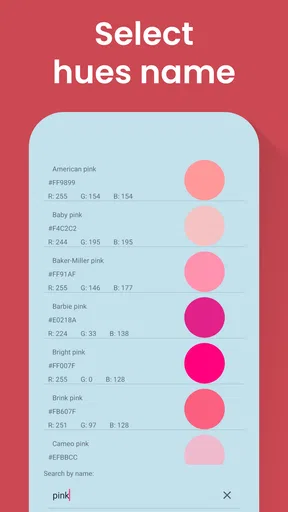
The Color Identification app is designed to help users identify colors in their surroundings using their smartphone camera. By pointing the camera at an object, users can instantly receive the color name and its corresponding RGB or HEX code. This is particularly useful for designers, artists, and individuals with color vision deficiencies.
Does the Color Identification app require an internet connection to function?
No, the Color Identification app can function offline. The app comes with a built-in color database that allows it to identify and display color information without needing an internet connection. However, some features, such as saving identified colors to a cloud account, may require internet access.
Is the Color Identification app accessible for individuals with color blindness?
Yes, the Color Identification app is designed with accessibility in mind. It provides audio feedback and detailed color descriptions to assist users with color vision deficiencies. Additionally, it offers customizable settings to enhance contrast and readability, ensuring an inclusive experience for all users.
Can I save and organize the colors I identify using the app?
Absolutely! The app allows users to save identified colors into collections, making it easy to organize them for future reference. Users can label and categorize colors, add notes, and even share their collections with others via email or social media platforms. This feature is particularly beneficial for creative projects.
Is the Color Identification app available on both Android and iOS platforms?
Yes, the Color Identification app is available for download on both Android and iOS devices. It has been optimized for various screen sizes and resolutions, ensuring a seamless experience across different devices. Users can find the app in the Google Play Store and the Apple App Store.


